Routine automation platform
Automation using NFC/QR and messenger workflows.
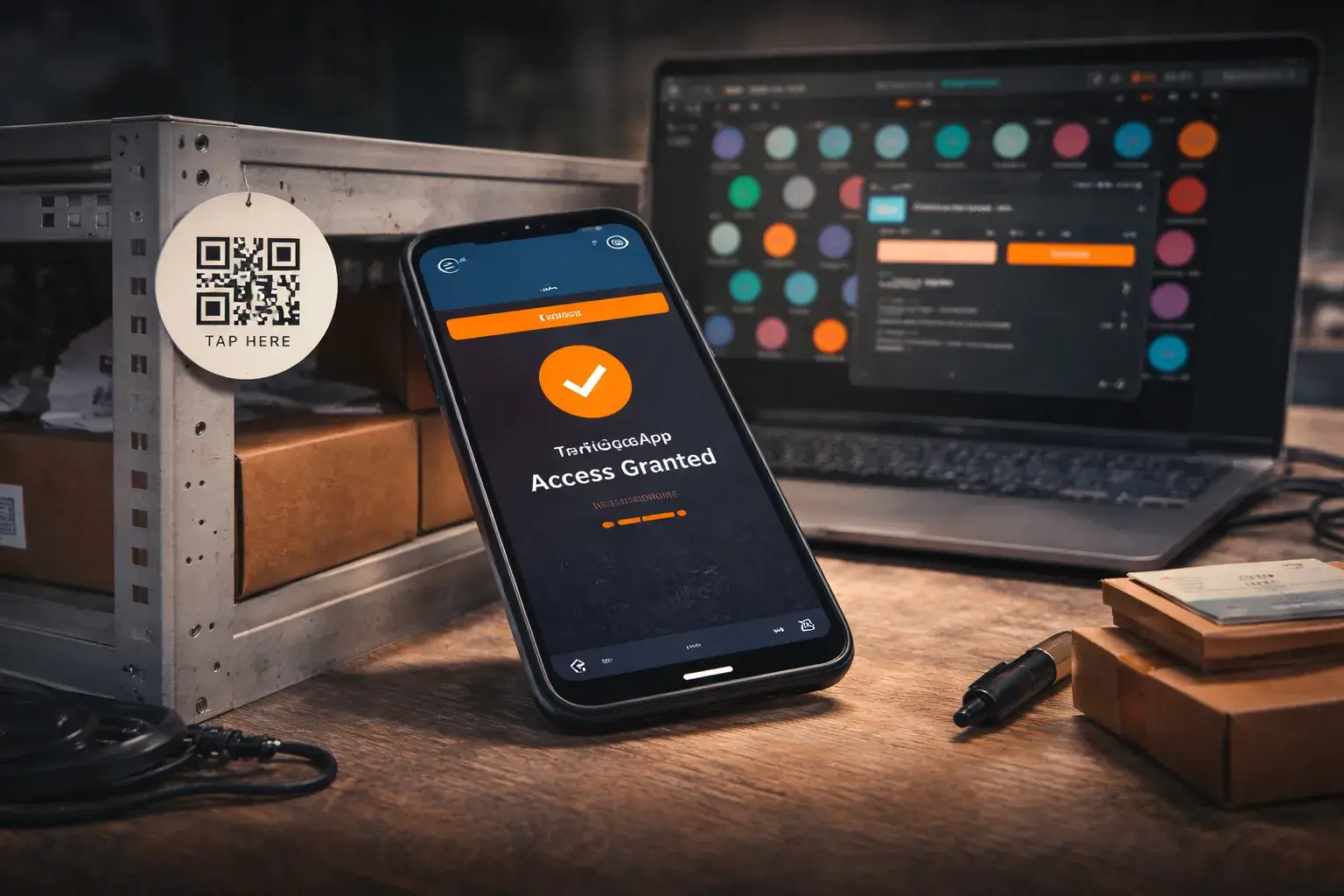
Many everyday actions are repetitive, manual, and easy to forget, whether at home or in business environments. These routines often require extra tools, apps, or communication steps that slow people down.
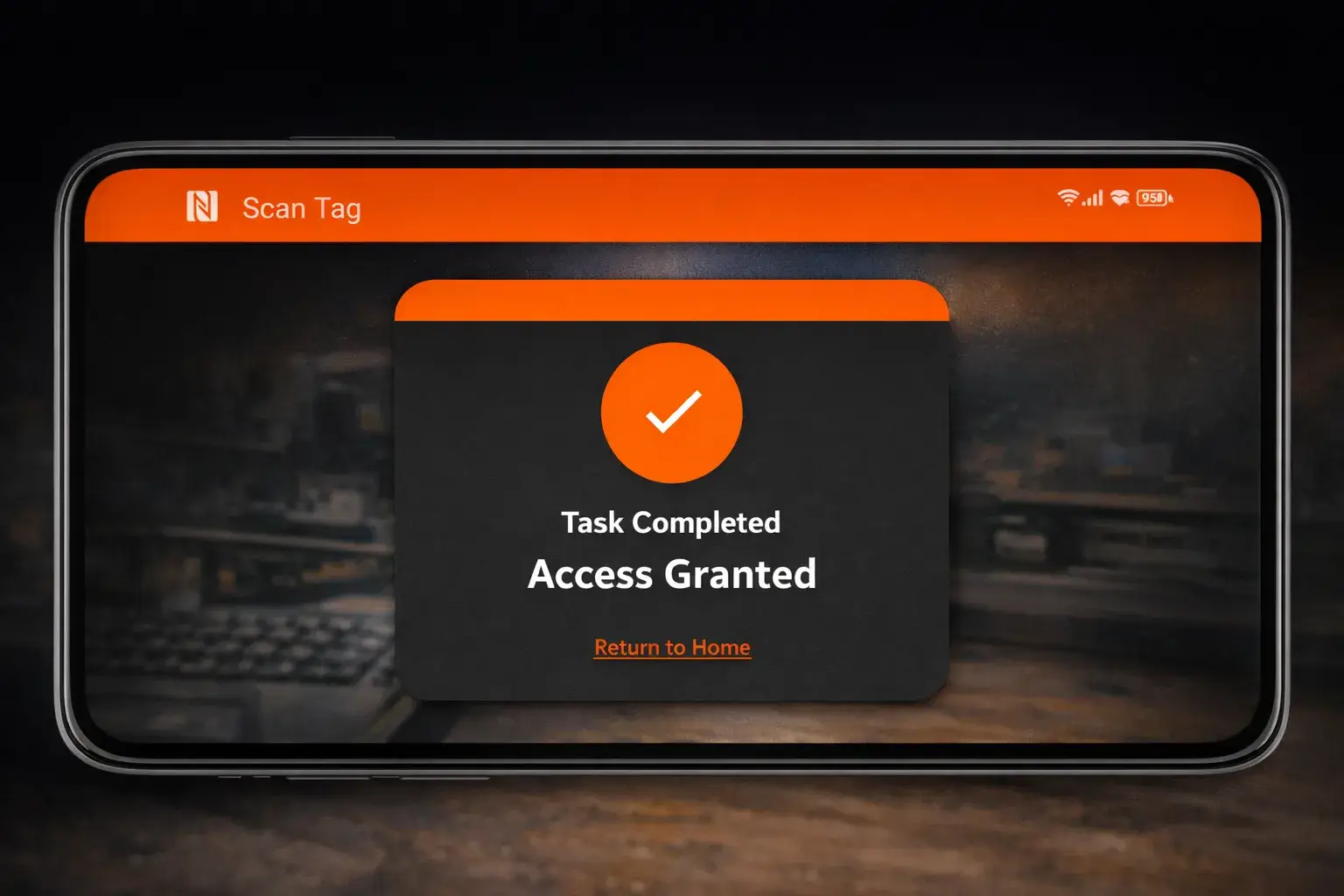
TrigGoApp connects physical locations and objects with digital actions using NFC tags and QR codes. A simple scan triggers predefined server-side workflows such as updating lists, sending messages, or calling external APIs.
Routine actions are reduced to a single scan, removing friction, minimizing manual input, and enabling consistent execution of everyday tasks.
Key features
Core capabilities focused on automation, flexibility, and ease of use.
Generate and use QR codes that link physical objects or locations to digital actions.
Write and read NFC tags to trigger workflows with a simple tap.
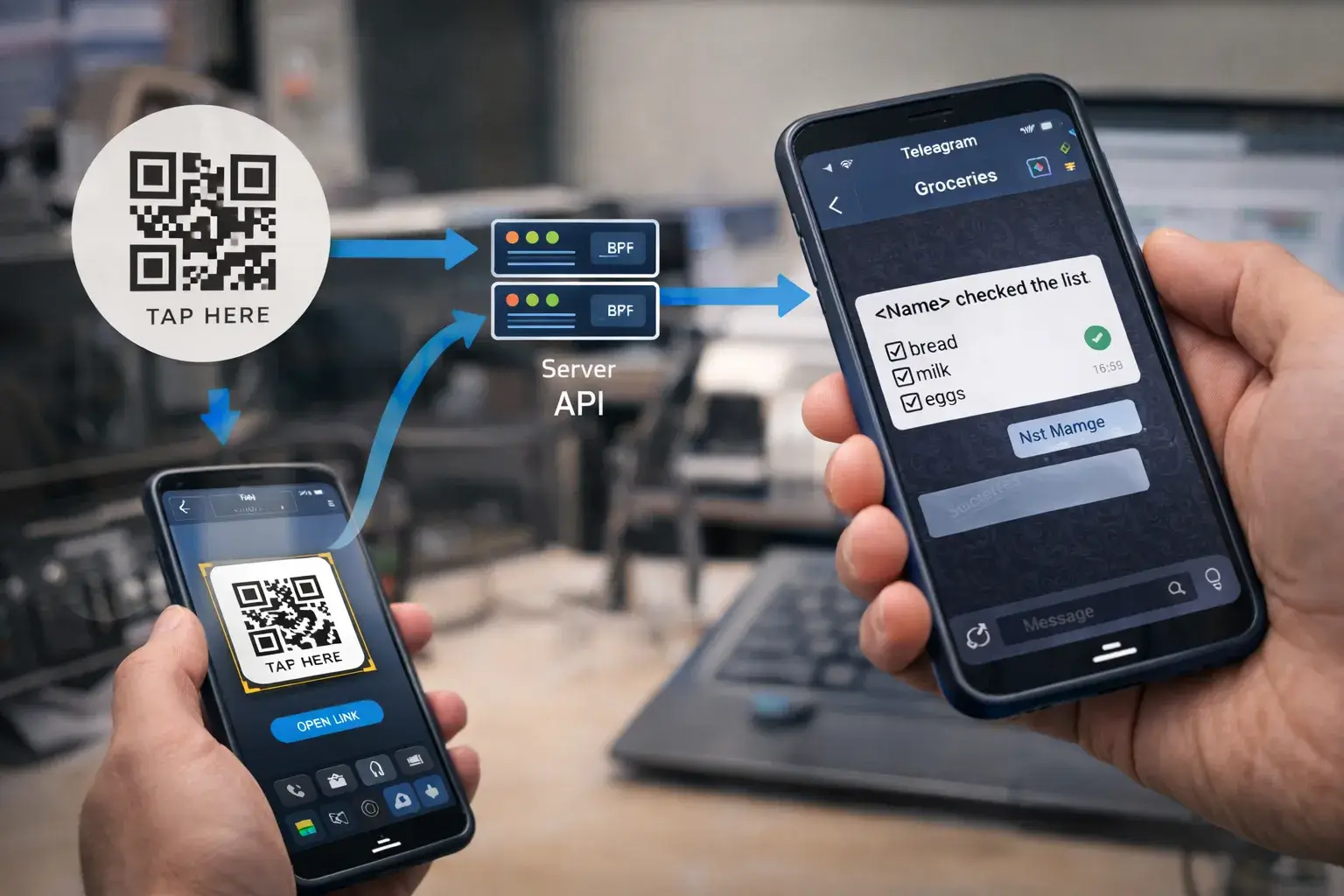
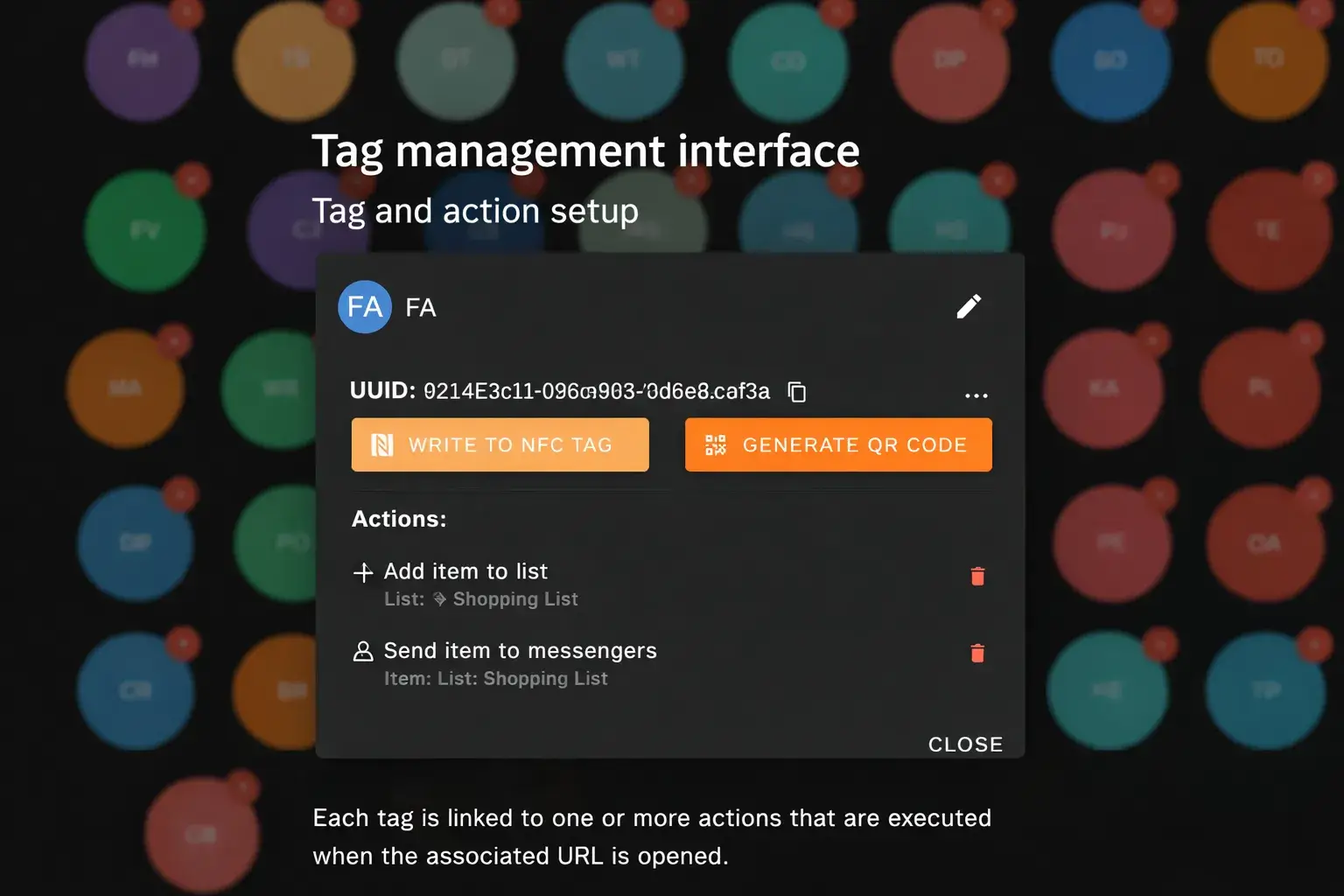
Each tag resolves to a URL processed by the server to determine and execute actions.
Support for multiple action types such as messaging, API calls, and notifications.
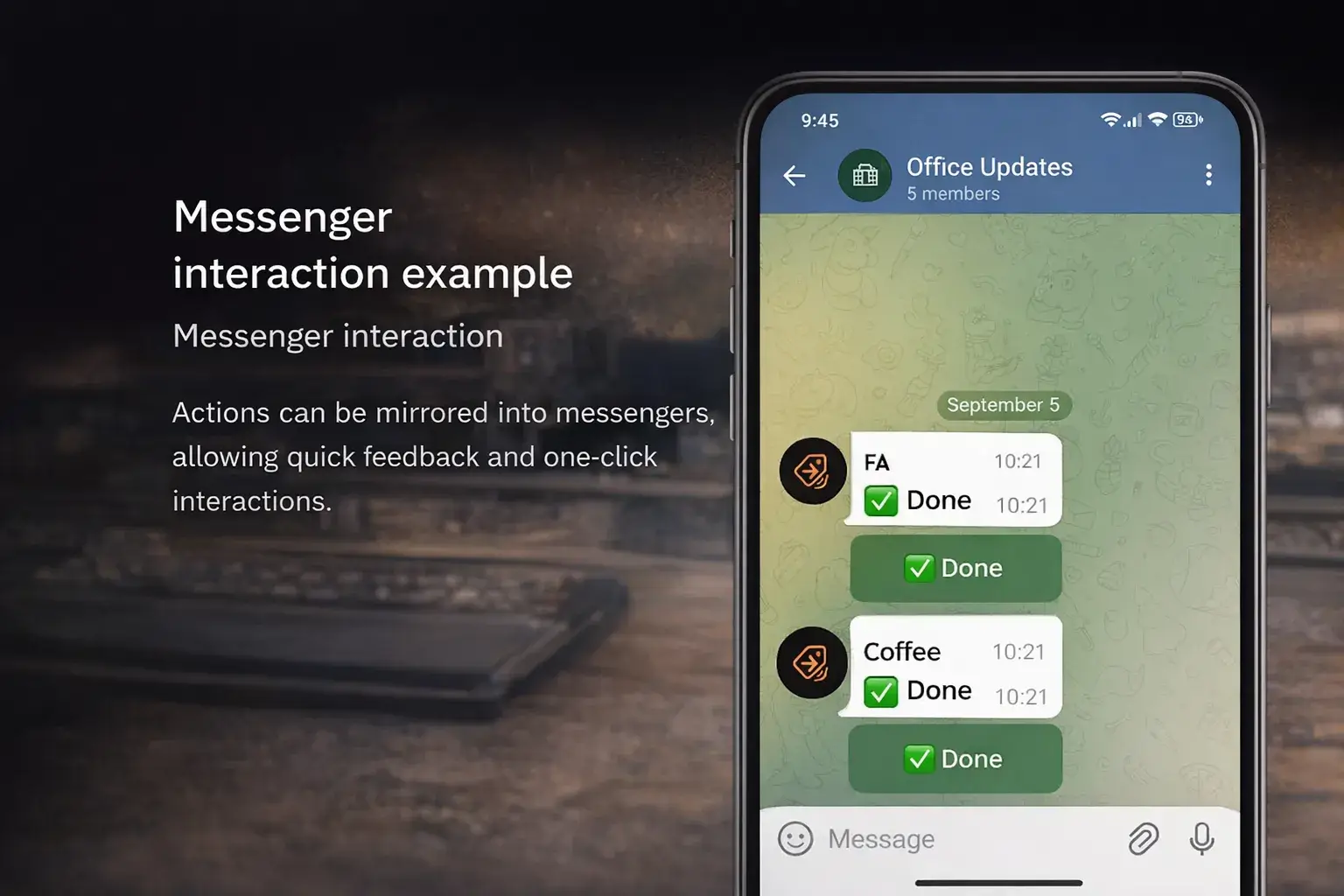
Actions can be duplicated into messengers for visibility and quick interaction.
Designed to support additional messengers and integrations without reworking the core system.
Business and real-world use cases
Examples of how physical tags can trigger automated workflows in everyday and operational scenarios.
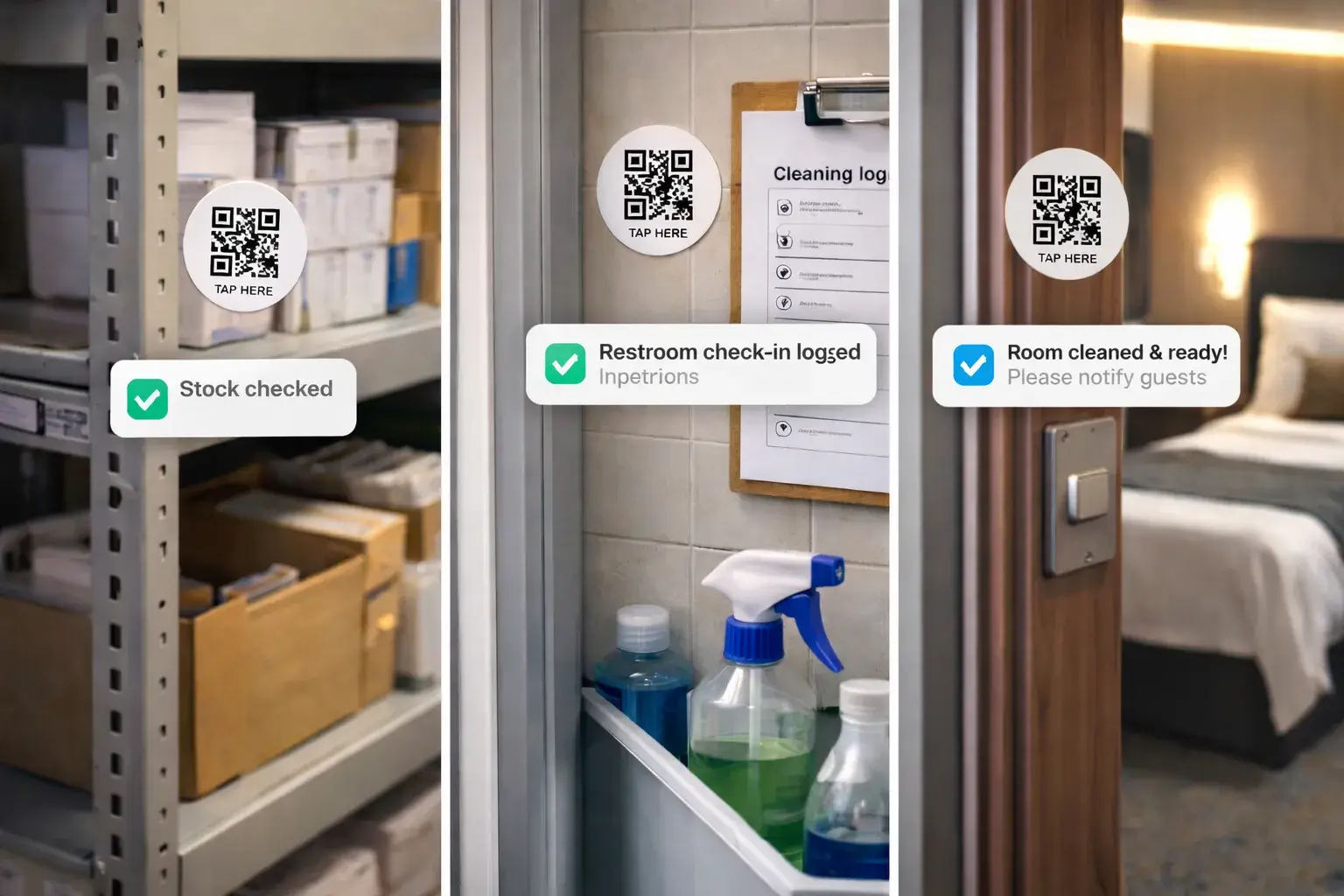
How it works
From physical tag to automated action in a few simple steps.
A tag is created in the system and linked to one or more predefined actions.
The tag data is written to an NFC chip or encoded into a QR code.
Tags are placed in relevant physical locations where actions are typically triggered.
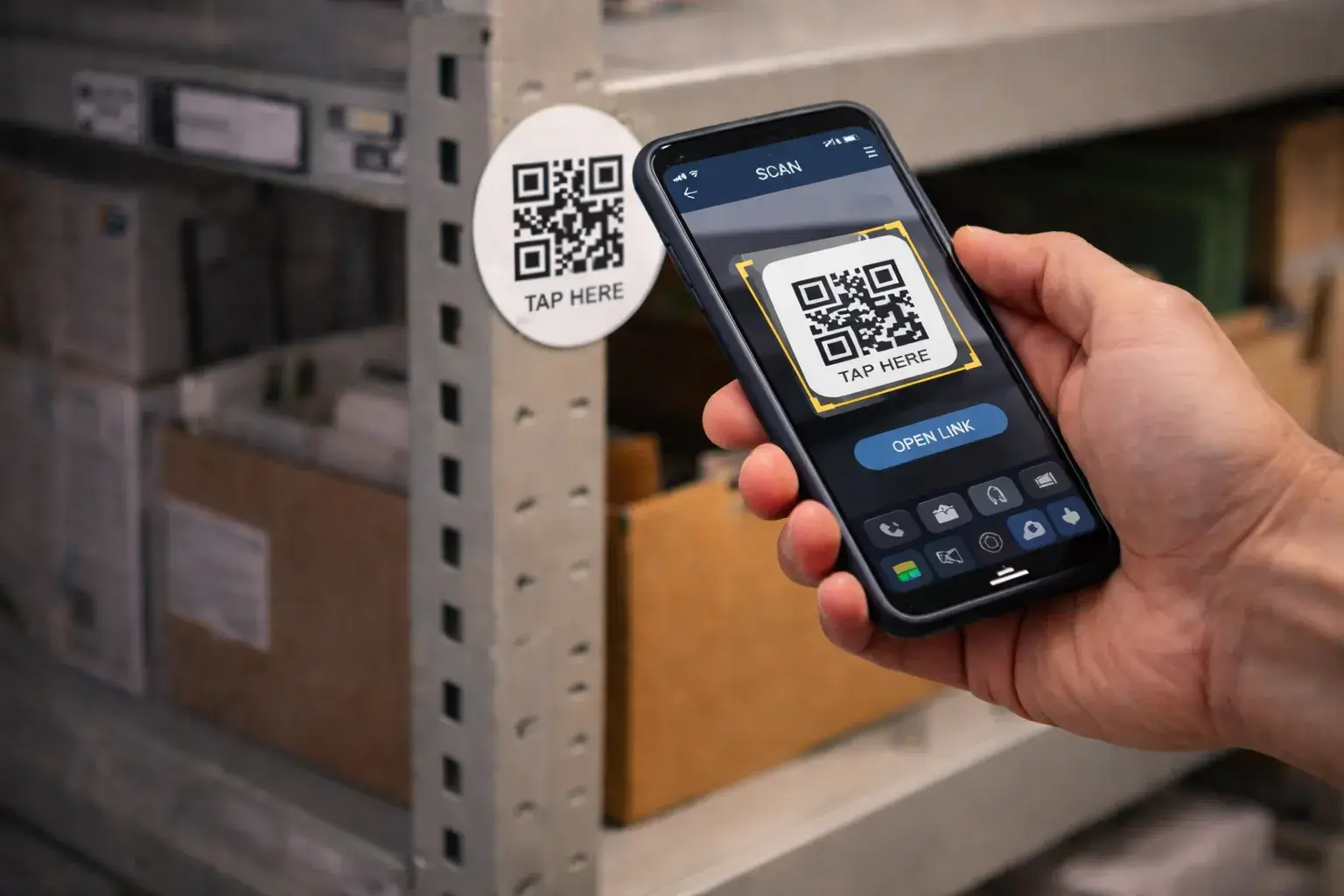
Scanning the tag opens a URL, which the server processes and executes the linked actions.
Results and value
Practical outcomes achieved through routine automation.
Routine actions are completed with a single scan instead of multiple steps.
Standardized workflows ensure actions are performed the same way every time.
Messenger integrations keep all participants informed and in sync.
Suitable for personal use as well as operational and business scenarios.
Product interface
Minimal interfaces focused on scanning, actions, and server-side processing.
Project scope
Areas covered during design and development.
FAQ
Common questions about the platform and its usage.
No. Shopping lists are just one example. The platform is designed for a wide range of personal and business automation scenarios.
The application is implemented as a PWA and can be used directly in the browser or installed on a device if needed.
Currently, Telegram is supported. The architecture allows additional messengers to be added in the future.